For iPhone, iPad and iPhone Duo

Split keys
for your thumbs.

Turn your phone sideways and put the keys where your thumbs already are. Split it, tilt it, make the keys bigger, or shrink the whole keyboard under one thumb.

Download on theApp Store

Free to download · 3-day free trial
$2.99 one-time unlock · no subscription
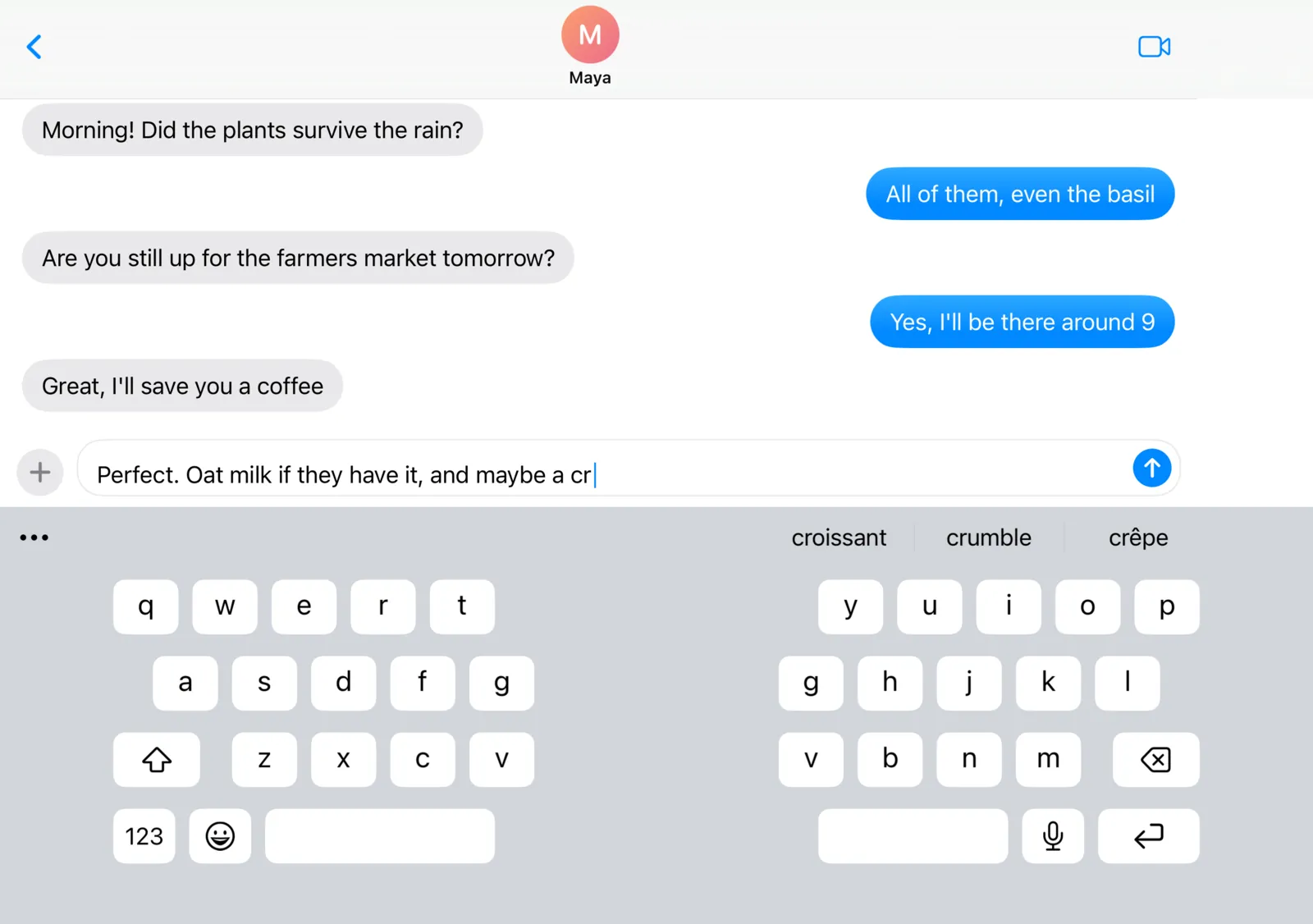
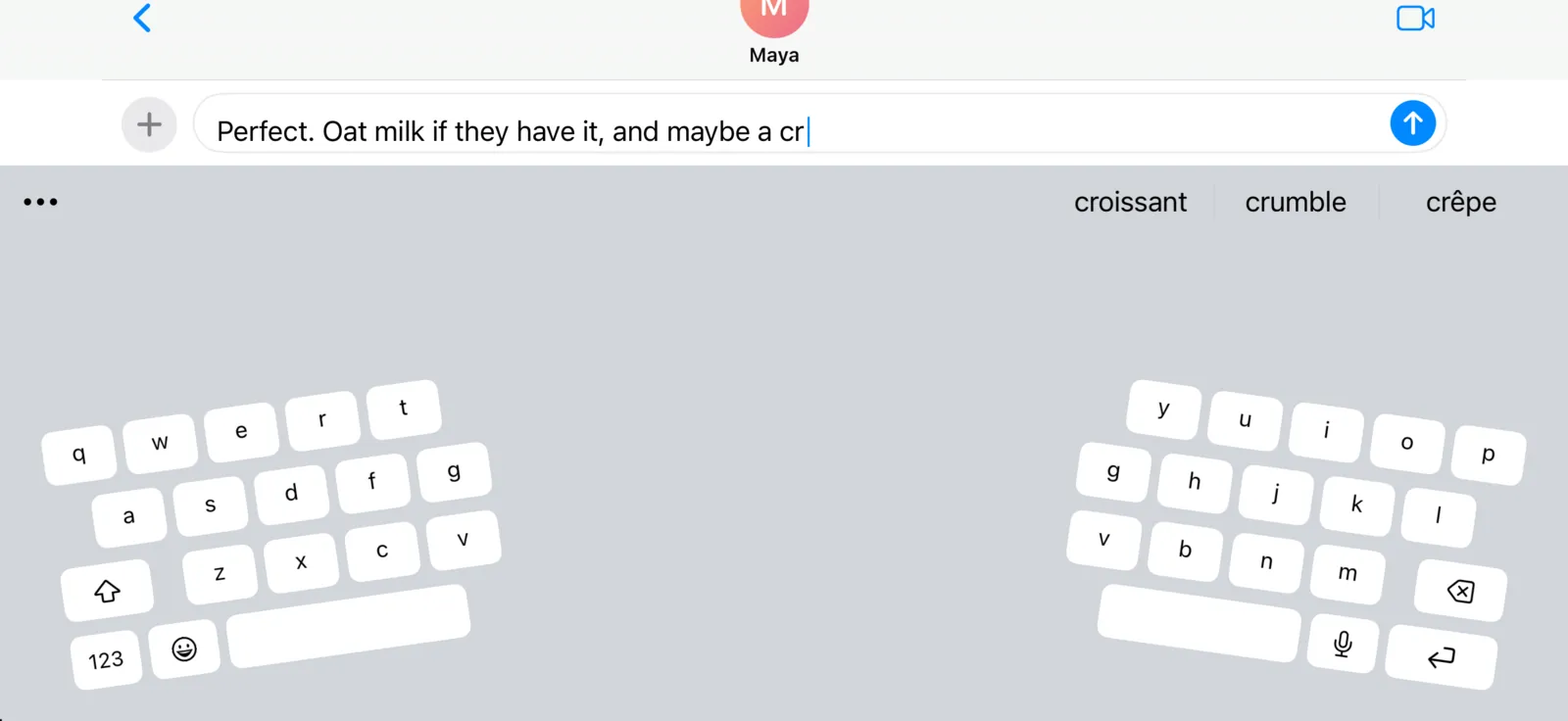
DuoBoard split keyboard on the open iPhone Duo in landscape, one half under each thumb
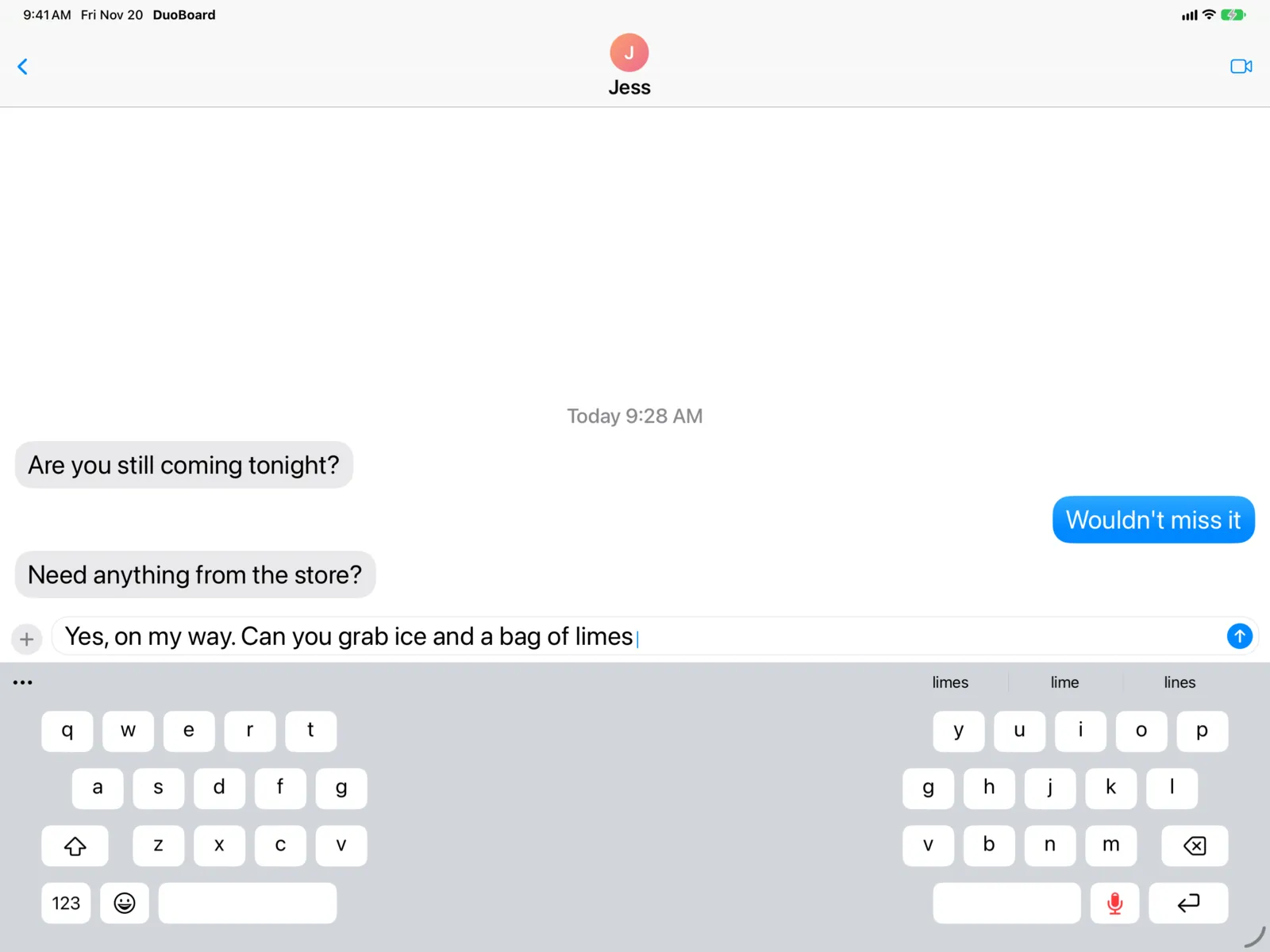
DuoBoard with tilted split halves on an iPhone in landscape
  • Split
  • Tilted
  • Big keys
  • One-handed, 3 sizes
  • Swipe typing
  • Voice typing in the keyboard
  • Themes
  • GIFs & emoji
  • No accounts
Arrange

Drag it. Pinch it. Tilt it.

Long-press 123 and choose Arrange. Drag each half to where your thumbs land, pinch to resize, and tilt the halves to match the angle of your thumbs.
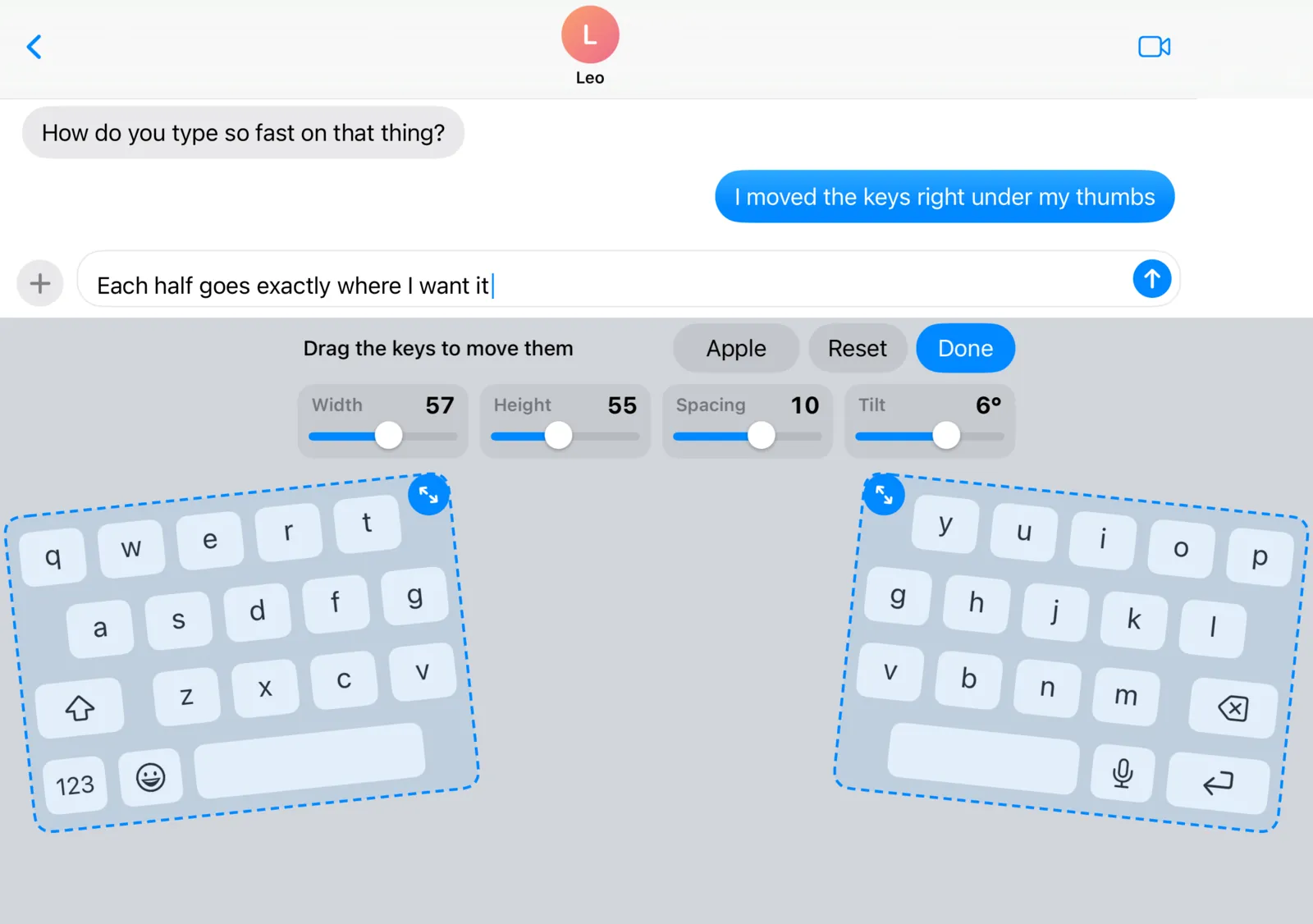
  • Width, height, spacing and tilt, for each half
  • Split, full width, or one-handed in three sizes
  • A separate layout for each screen and orientation
Arrange mode: both keyboard halves outlined and tilted, with sliders for width, height, spacing and tilt
Typing that learns you

Tap it, or swipe it.

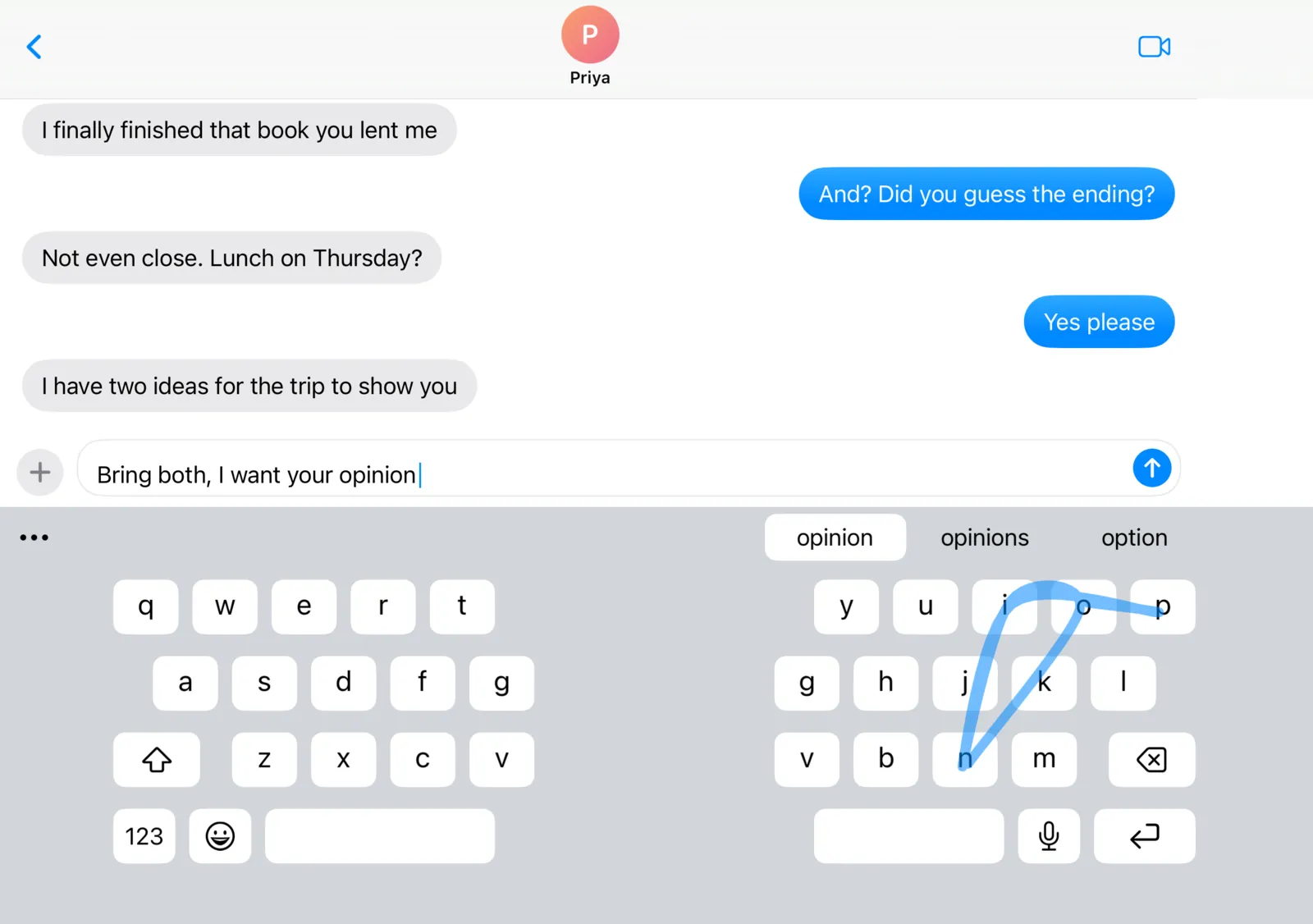
Glide across the letters of a word and lift. Autocorrect and next-word suggestions read the whole sentence, not just the last word.
  • Learns where your thumbs land, on your device
  • Picks up the words you actually use
  • Hold space to move the cursor
  • Swipe down on a key for its number or symbol
A swipe trail across the right half of the split keyboard, with suggestions opinion, opinions and option
Voice typing

Talk without leaving your app.

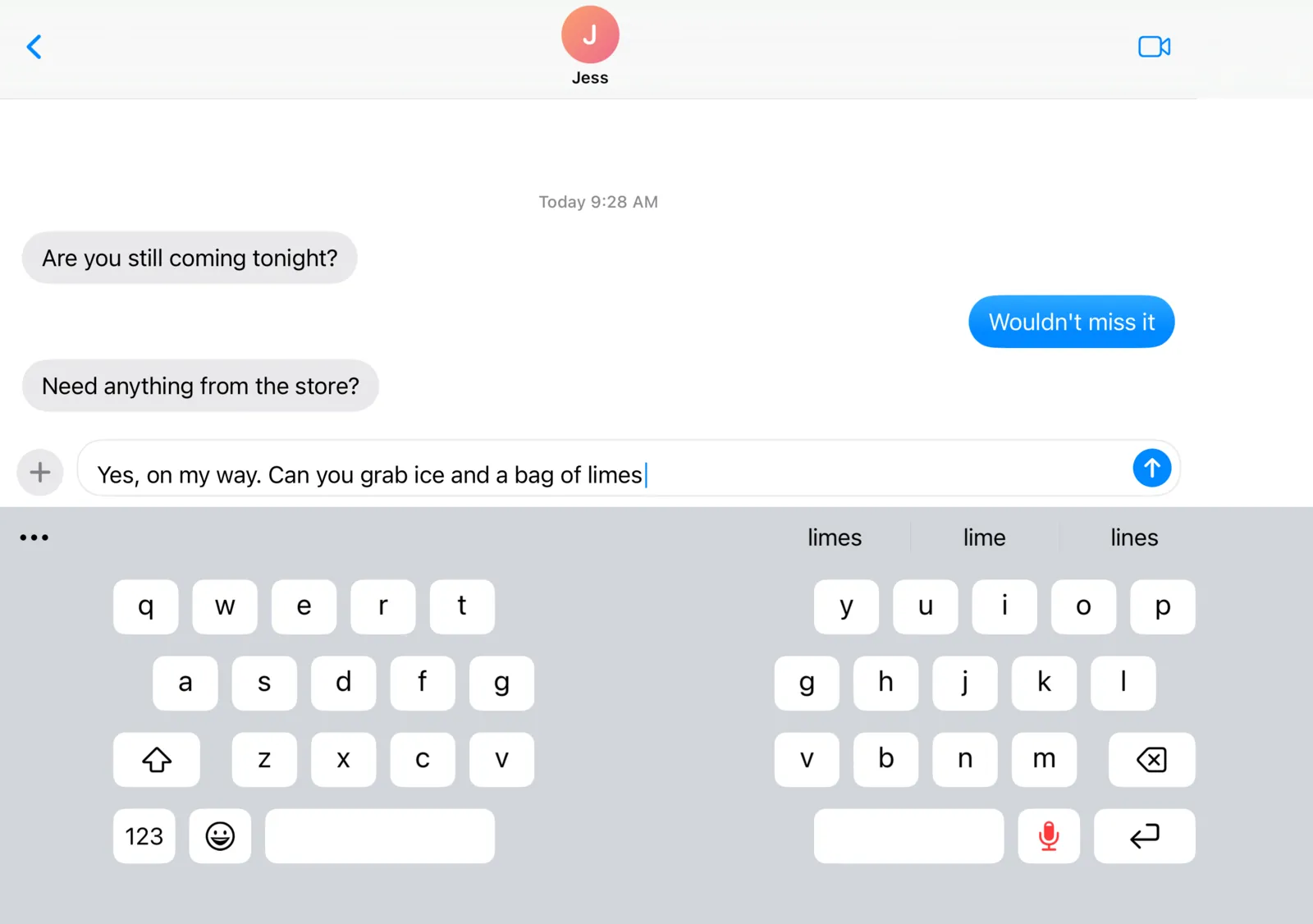
Tap 🎤 and speak. The keyboard listens right where you are and types your words at the cursor, in Messages, Notes or anywhere else. The mic key lights up while it's listening.
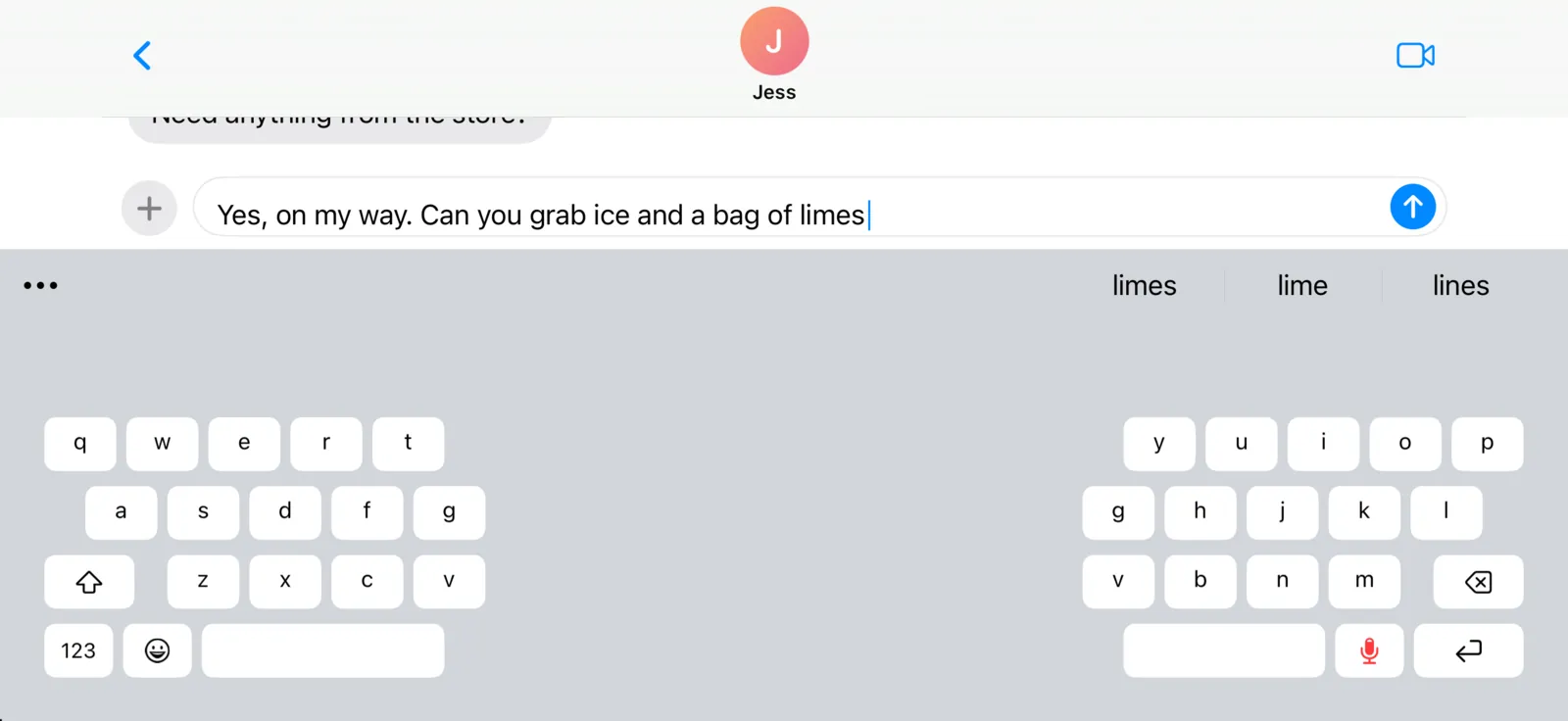
  • Types in place, in whatever app you're using
  • Speech is turned into text on your device
  • Prefer a big screen to talk to? The voice screen is one setting away, with Apple's engine or the optional Parakeet model
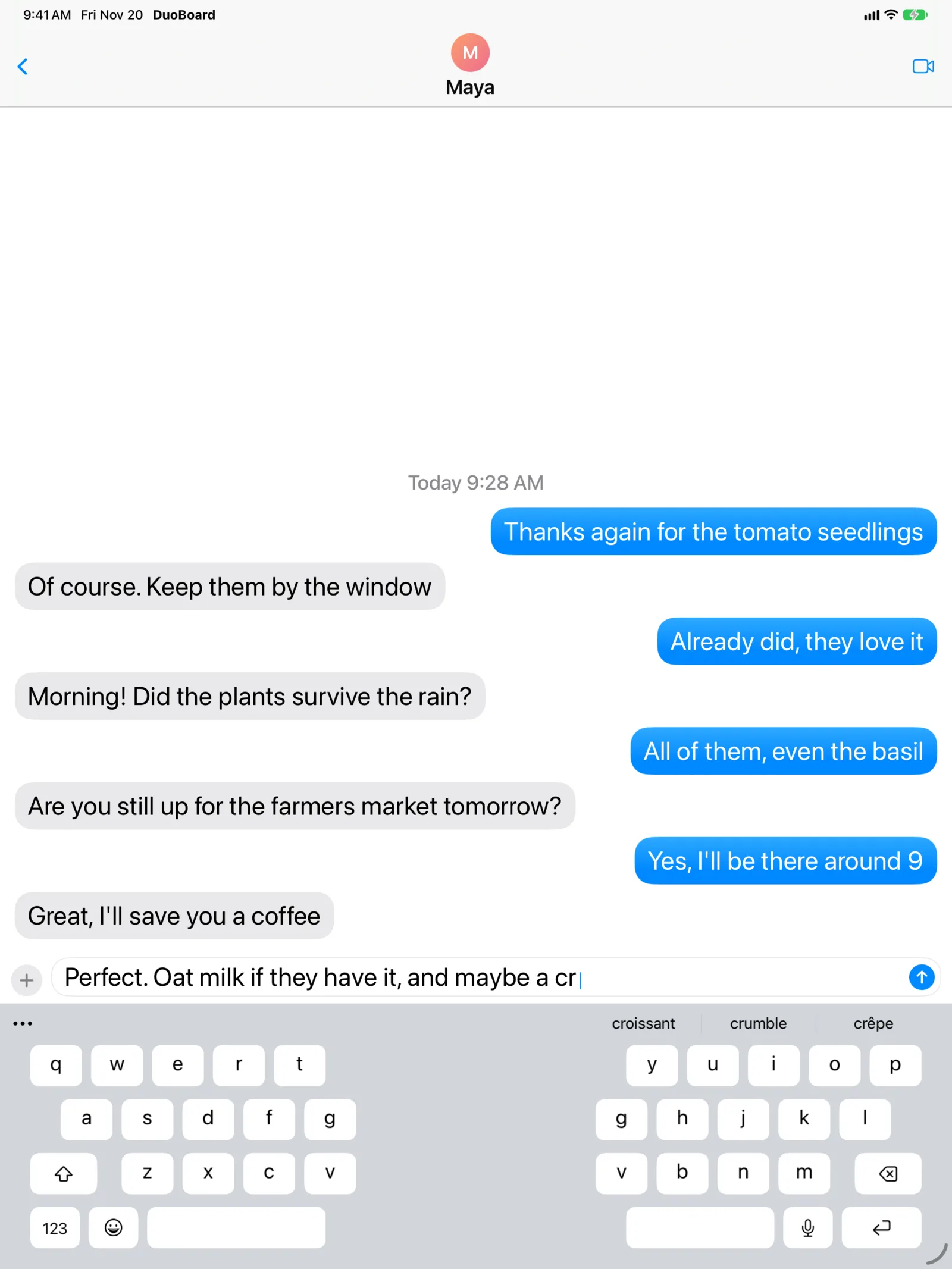
Dictating into Messages on the open Duo: the mic key on the keyboard is lit red while it listens Dictating into Messages on an iPhone in landscape with the mic key lit Dictating into Messages on iPad with the mic key lit
In the suggestion bar

GIFs, emoji and codes, a tap away.

Emoji that match the words you're typing. A full GIF search powered by KLIPY. And when a verification code lands in Messages, it shows up above the keys, ready to tap.
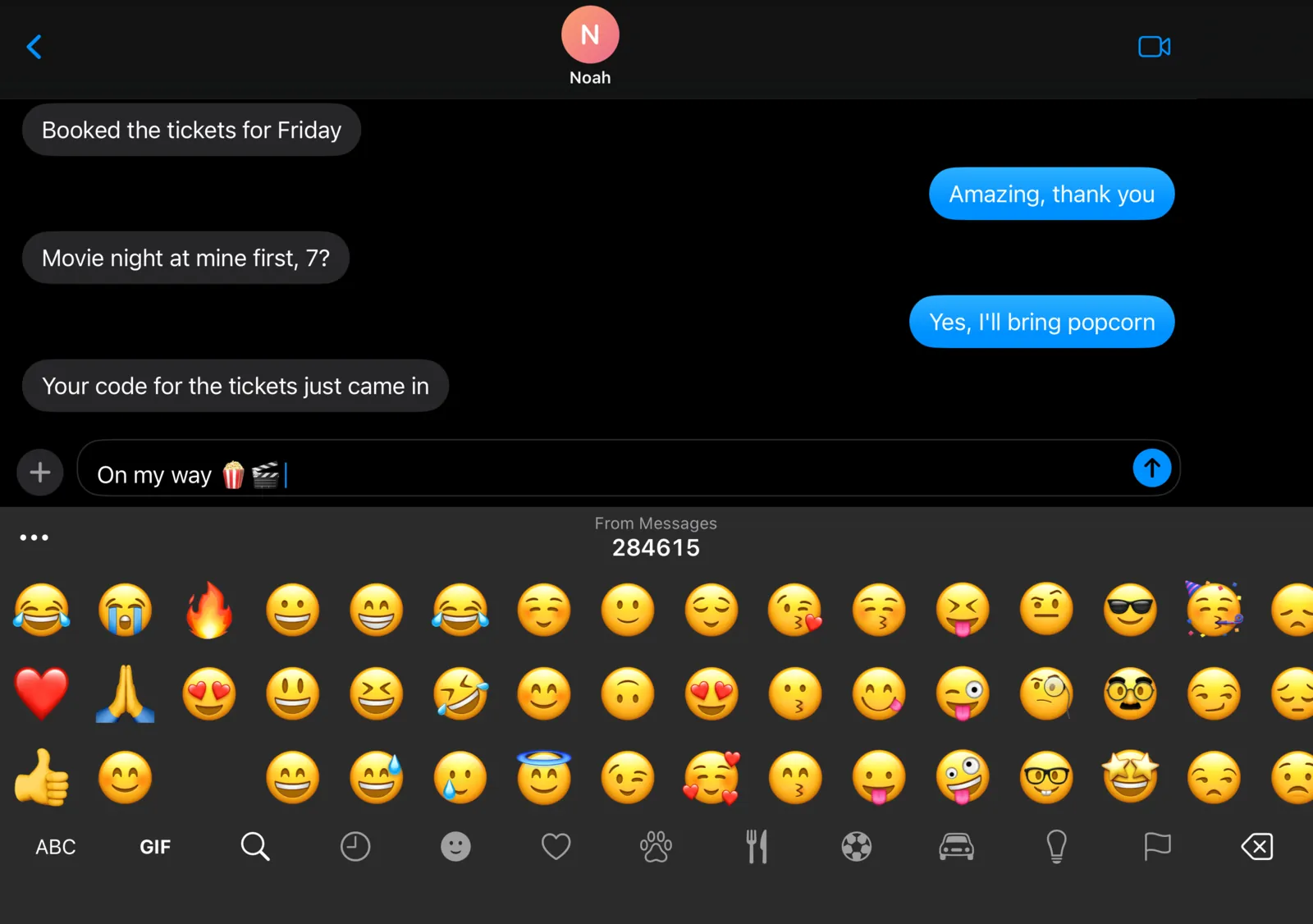
  • Emoji suggestions as you type
  • Trending and searchable GIFs
  • One-time codes from Messages, with a Shortcut you add once
  • Your saved usernames and emails on sign-in fields
The emoji panel in dark mode, with a verification code from Messages in the suggestion bar

Make it yours

Ten themes, your own colors, or a photo.

Tap a theme to see it on the real keyboard.
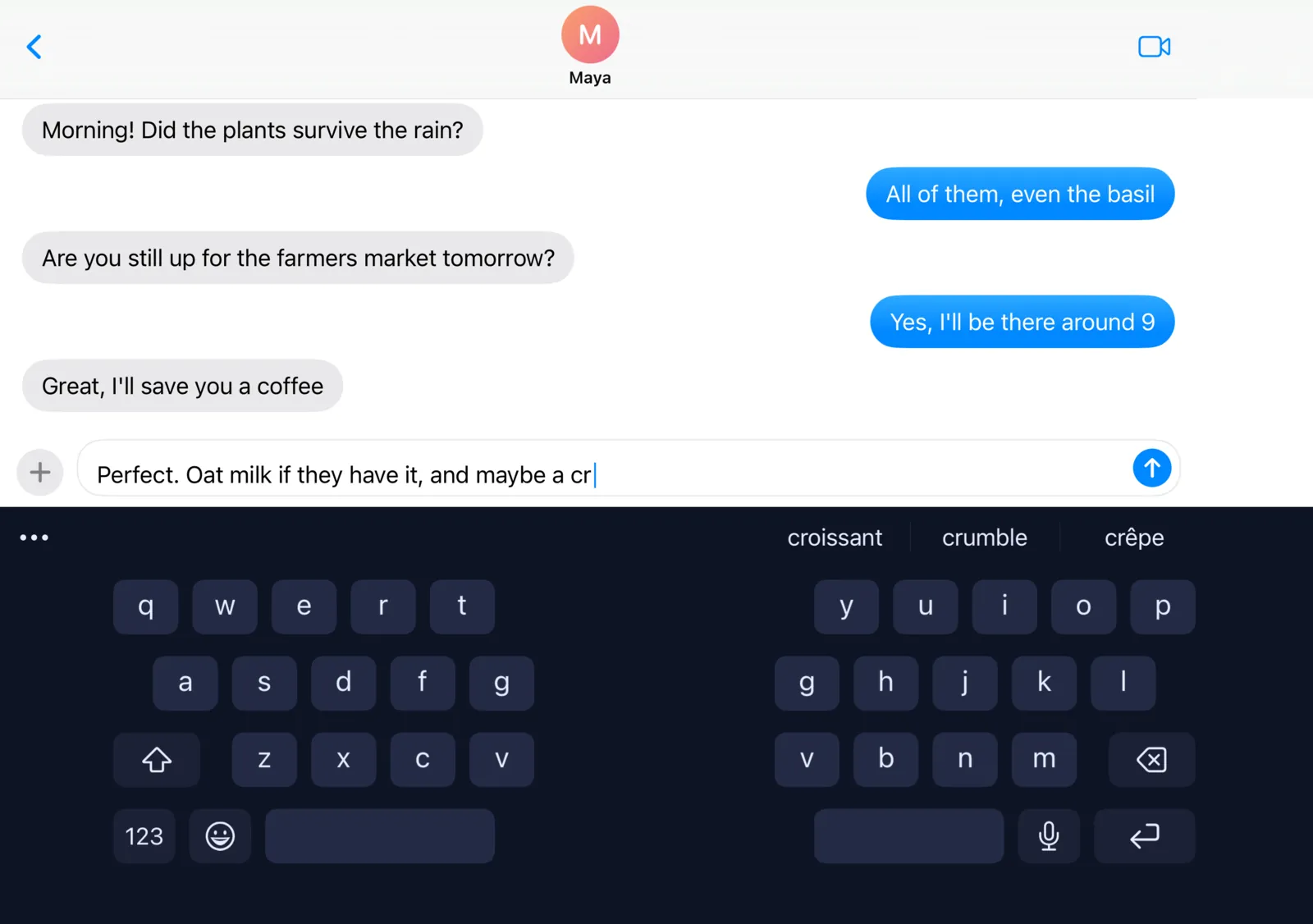
DuoBoard with the Midnight theme

Midnight

Upright, too

Hold it upright and it's the keyboard you know.

In portrait, and on the Duo's cover screen, DuoBoard looks and feels like the standard keyboard, with all its typing smarts.
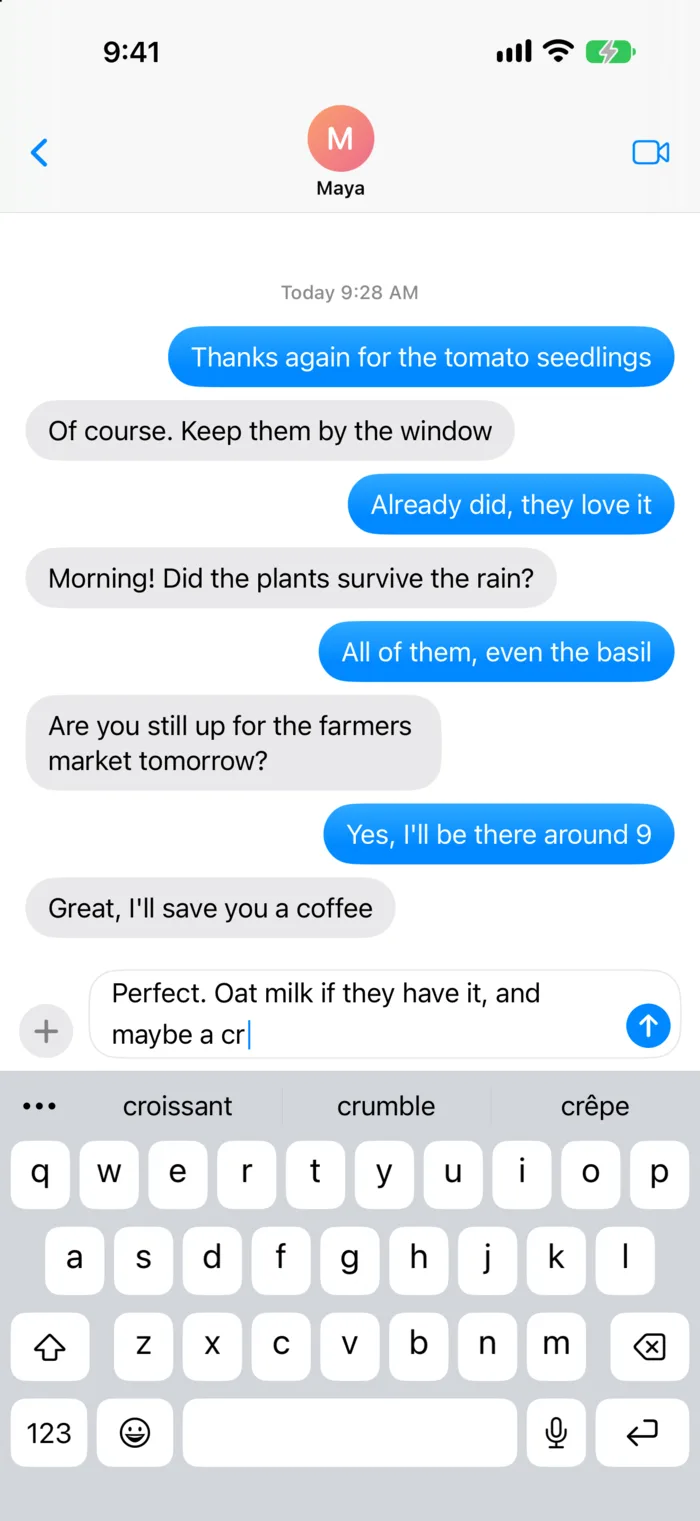
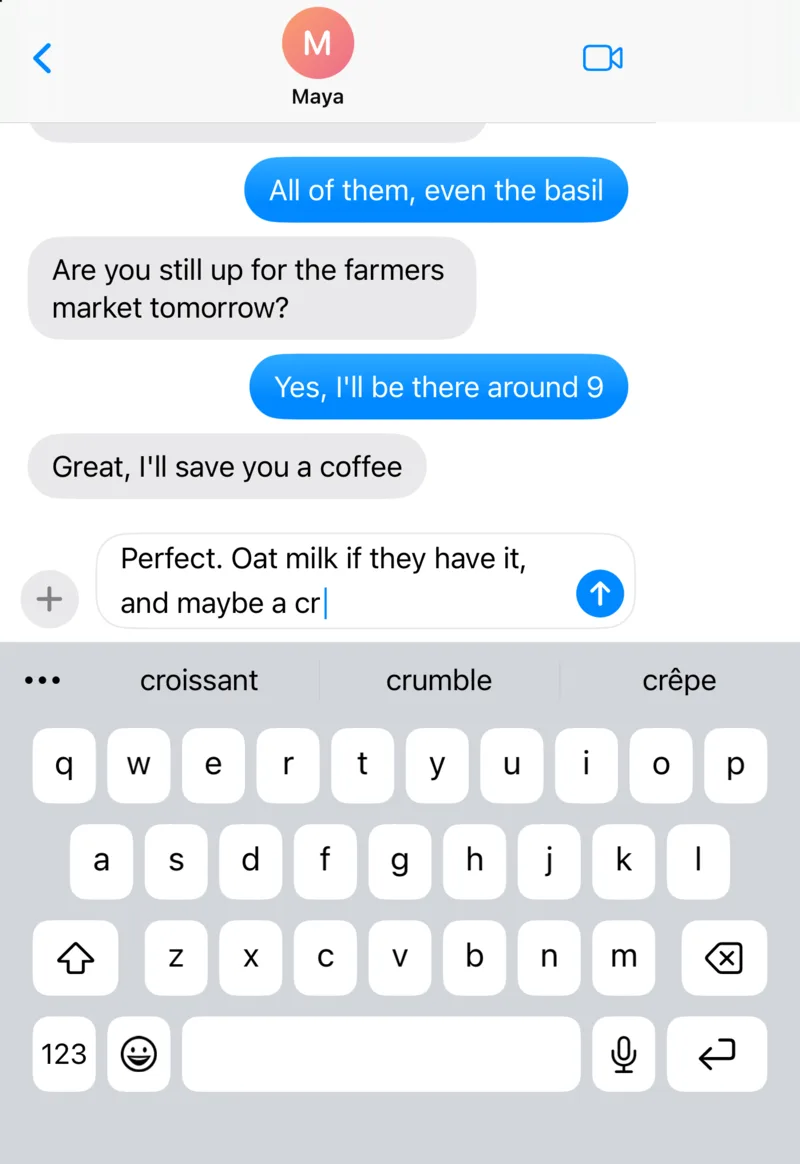
DuoBoard on an iPhone in portrait
iPhone
DuoBoard on the iPhone Duo cover screen
Duo cover screen
DuoBoard split on iPad in portrait
iPad

And the details

Everything you'd expect, and a few things you wouldn't.

🌍

Six languages, mixed as you type

English, Spanish, French, German, Italian and Portuguese. Mix them as you type, without switching keyboards.

HelloHolaBonjourHalloCiaoOlá
🎯

Learns your aim

It notices where your thumbs actually land on each key and adjusts.

↔︎

Space-bar cursor

Hold space and slide to put the cursor exactly where you want it.

⬇︎

Swipe down for symbols

Every key has a number or symbol a quick flick away.

🔢

Your own number pages

Add a number row, or change what's on the 123 and symbol pages.

🧹

You're in control

See every word DuoBoard has learned, and remove any of them.

What you type stays on your device.

No accounts. No analytics. No typing sent anywhere. The only things that go online are GIF searches, which go to KLIPY, and the optional Parakeet download. DuoBoard works without Full Access too; you can still type, swipe and get corrections.

Read the privacy policy →

Simple pricing

Free to type. One price for the rest.

Try everything free for 3 days. No subscription, ever.

DuoBoard

Free

  • Typing and swipe typing
  • Autocorrect and suggestions
  • Emoji
  • Six languages
3 days free

DuoBoard Unlock

$2.99 one time

  • Everything in Free
  • Split, tilted, one-handed and resized layouts
  • Themes, custom colors and photos
  • GIFs
  • Voice typing

Your thumbs will thank you.

Download on theApp Store

For iPhone, iPad and iPhone Duo.